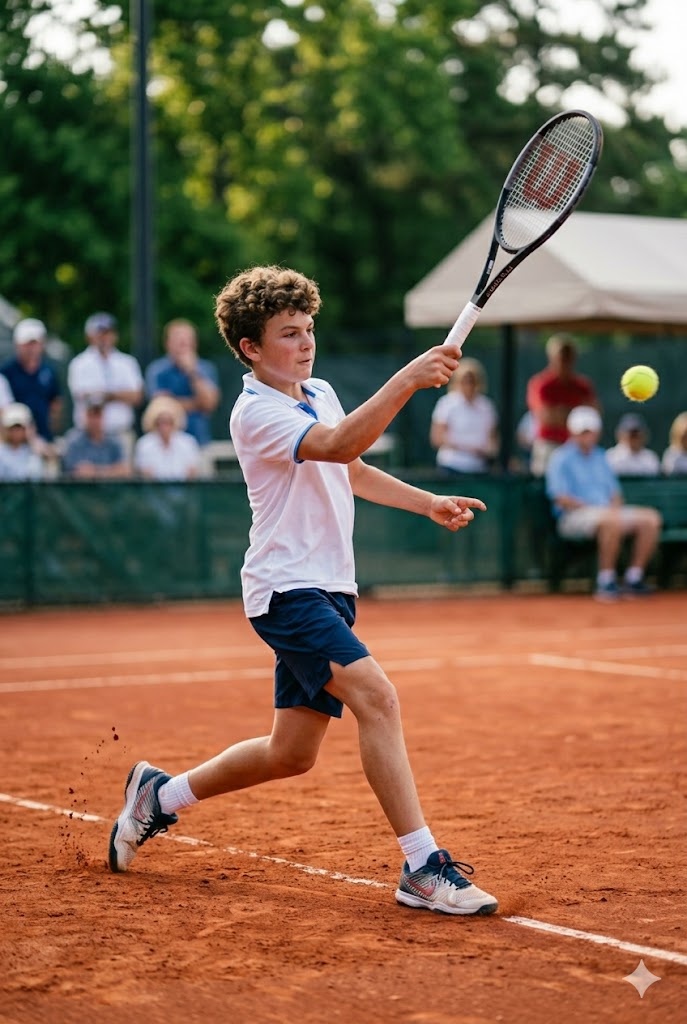
Co-pilot for junior performance tennis
You’ve got a rising star.Now help them rise faster.
Coach, parent, player — one team, the full picture. Every session, every match, every milestone. All in one place.


Trusted by LTA performance coaches
All the puzzle pieces. All in one place.
Let what happens on Saturday inform Tuesday’s session
Training sessions.
Your coach sets the development plan, runs the sessions, and identifies focus areas.
At the tournament.
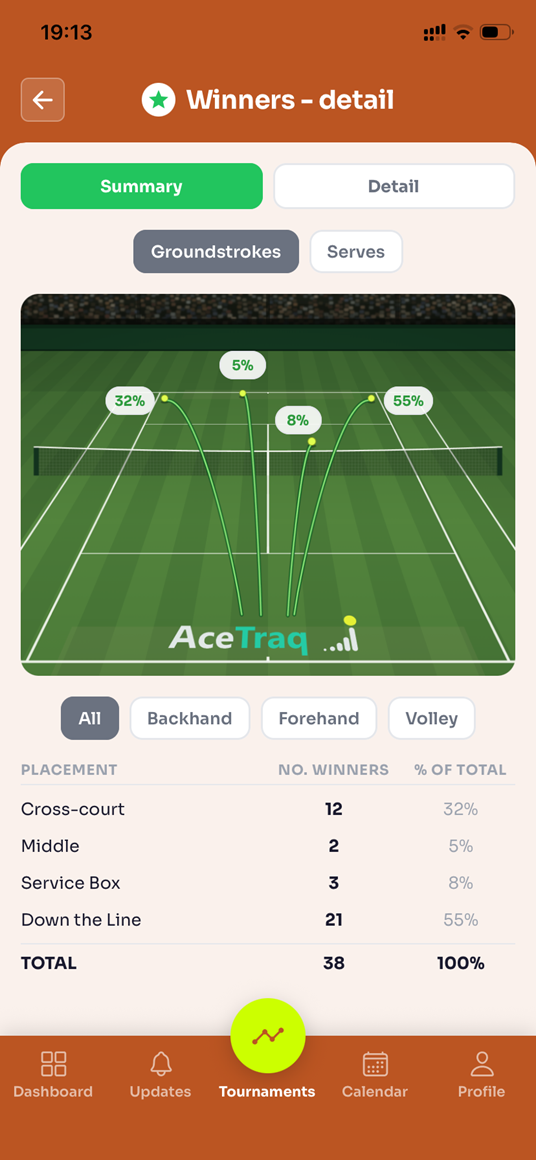
The coach picks up to three areas to focus on. You tap them in from the sideline as they happen. AceTraq does the rest.
Afterwards.
Charting data is automatically shared with your coach for information and analysis, feeding into the development plan.
Pricing
Every new account starts with two months of  included
| Feature | Free |
£9.99/month
|
|---|---|---|
| Player dashboard At-a-glance view of player status and schedule | Free | PRO |
| Development plan status tracking Live view of the development plan and the player’s progress against it | Free | PRO |
| Coach-synced calendar Accept/cancel sessions and block unavailable periods — your coach is automatically notified | Free | PRO |
| Session notes See the training session notes your coach has sent, and understand what’s being worked on | Free | PRO |
| Tennis homework Follow coach-set tasks between sessions. You tick tasks as they get done, coach sees completion rate | Free | PRO |
| Competition schedule Tournaments you’ve entered, so your coach knows what’s coming and can plan around it | Free | PRO |
| Match data — basic charting tools Track winners, unforced errors and serve % for every match. Log performance for each tournament. | Free | PRO |
| Tournament results Results and charted data reach your coach the moment the tournament ends | Free | PRO |
| Match data — full charting catalogue The full range of charting tools, so you and your coach can align tournament data collection with the player’s development plan | Free | PRO |
| Match data visualisation Visual summary of charted data — see what the numbers are telling you | Free | PRO |
| Data aggregation & trends Track performance across the previous 12 months. See the trend line, and how your player did in each tournament against it. | Free | PRO |
| Opponent notes Capture notes on every opponent played, and build insights to help prepare for the next match against them. | Free | PRO |
| No. players tracked Number of players that can be registered to a parent account | Free1 | PROMultiple* |
| Family account Share access to registered players’ profiles and charting tools with up to two other family members, and give players controlled access to their own profile (13+ players only) | FreeSingle user | PROFamily* |
* requires a paid AceTraq PRO subscription — not included in the initial two-month trial
FAQs
Do I have to pay to use AceTraq?+
No. AceTraq has a free tier that gives you the tools to support your child’s tennis journey.
Our premium tier, , is aimed at performance-level players — it captures more of what happens on court, enables deeper analysis, turns it into something the player can act on, and shares it with your coach automatically. It costs £9.99 per month.
Every new account starts with two months of PRO included, so you can see the difference before you decide.
My coach is not registered on AceTraq. Can I still use it?+
Yes. Tournament charting, data collection, and match analysis all work without a coach connected — you’ll have a real record of your child’s matches from day one.
However, connecting a coach is what AceTraq has been designed for: development plans, session management, performance feedback, tennis homework and tournament goals — shared automatically, so everyone is looking at the same picture.
Connecting with a coach takes a couple of taps.
What happens if we change coaches?+
Disconnect the old coach, connect the new one. Your data always stays with you, so the new coach starts with the full history rather than a blank page.
What is “charting” and how can I use AceTraq for this?+
Charting is the practice of tracking and recording things that happen during a tennis match, for example specific events or patterns. For performance-level players, it can help reveal what training doesn’t show — eg. specific challenges that only appear when the player is under pressure.
AceTraq has been developed with charting as one of its central pillars, helping players and coaches develop an objective, data-backed view of match performance rather than relying on memory and subjective interpretations.
Our extensive list of enables you or your coach to select those that matter most to the player’s development plan.
I have more than one child. Can I see them in a single AceTraq account?+
Yes. allows you to register multiple children in one parent account, so you can easily keep track across all of them — even if they have different coaches.
Can both parents use AceTraq?+
Yes. With , a second parent gets their own access, on their own device — so charting can be done by whomever is on tournament duty, and the view of the player’s progress shared across the family.
Can my child have their own account?+
No. Accounts are held by parents and coaches only — mainly for safeguarding, and because charting is a job for the sideline.
However, the Family Account feature on enables you to give each registered player a view of their own profile, provided they are 13 or older and have their own phone.
Once you give access, they see everything you see — and vice versa — including the development plan, session notes, tennis homework and training schedule. They can also leave their own comments on their tournament performance, add opponent notes after each match, and accept or cancel training sessions (if your coach books them through AceTraq).
Coach contact details are always hidden in the player’s view, for safeguarding.
You can remove a player’s access at any time.